


6. Building a custom widget
When nothing in the catalogue is quite right, click + Custom Widget. A panel slides in with four tabs; work through them with Next and Back.
Source
What the widget measures — customers, products, or Budget — and the value: revenue, margin, units, lines or transactions.
Options
The period (month, quarter or year to date, the last so many weeks or months, or a custom range), how many rows to show, the sort order, and any filters.
Display
How it looks — a table, KPI cards, a chart or a ticker — plus its title and the description shown behind the ⓘ icon.
Style
The starting SWOT colour and the size it takes on the board. Click Add Widget to finish.
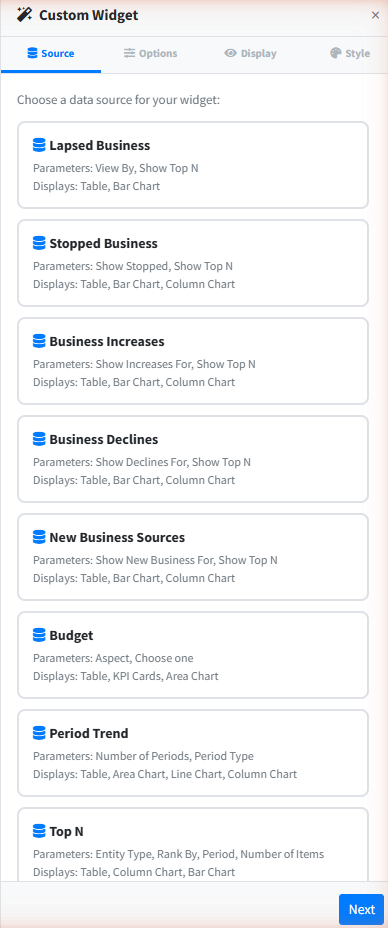
Choose Budget on the Source tab, set Aspect to Sales Rep on the Options tab, and start typing your own name in Choose one. On Display, KPI cards read best from across a desk. The Budgets walk-through covers the figures in detail.