


2. Adding users
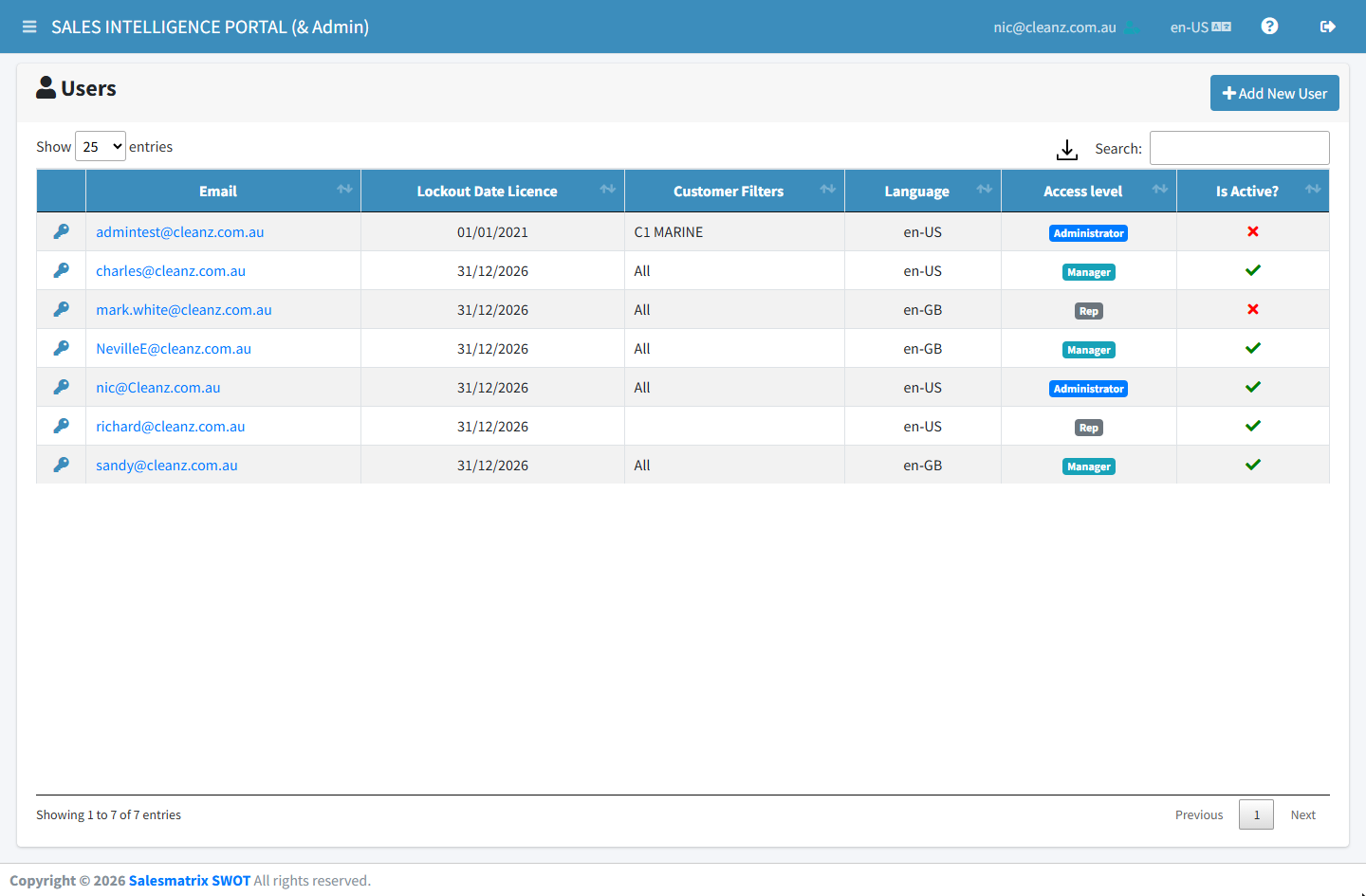
The Users page lists everyone who can sign in, with their Email, Lockout Date Licence, Customer Filters, Language, Access level and whether they are active.
Add the user
Click Add New User, enter their email address and click Create User.
Set their details
Click the new email address in the list to open Update User and set their access level and anything else they need (page 3).
Set a password if needed
The key icon on a row opens Change Password: type the new password twice and save.
The licence date is fixed by Salesmatrix
Lockout Date Licence is the last day that person can sign in. It is shown here but changed by Salesmatrix, so contact support to extend it.