


2. Working any SWOT list
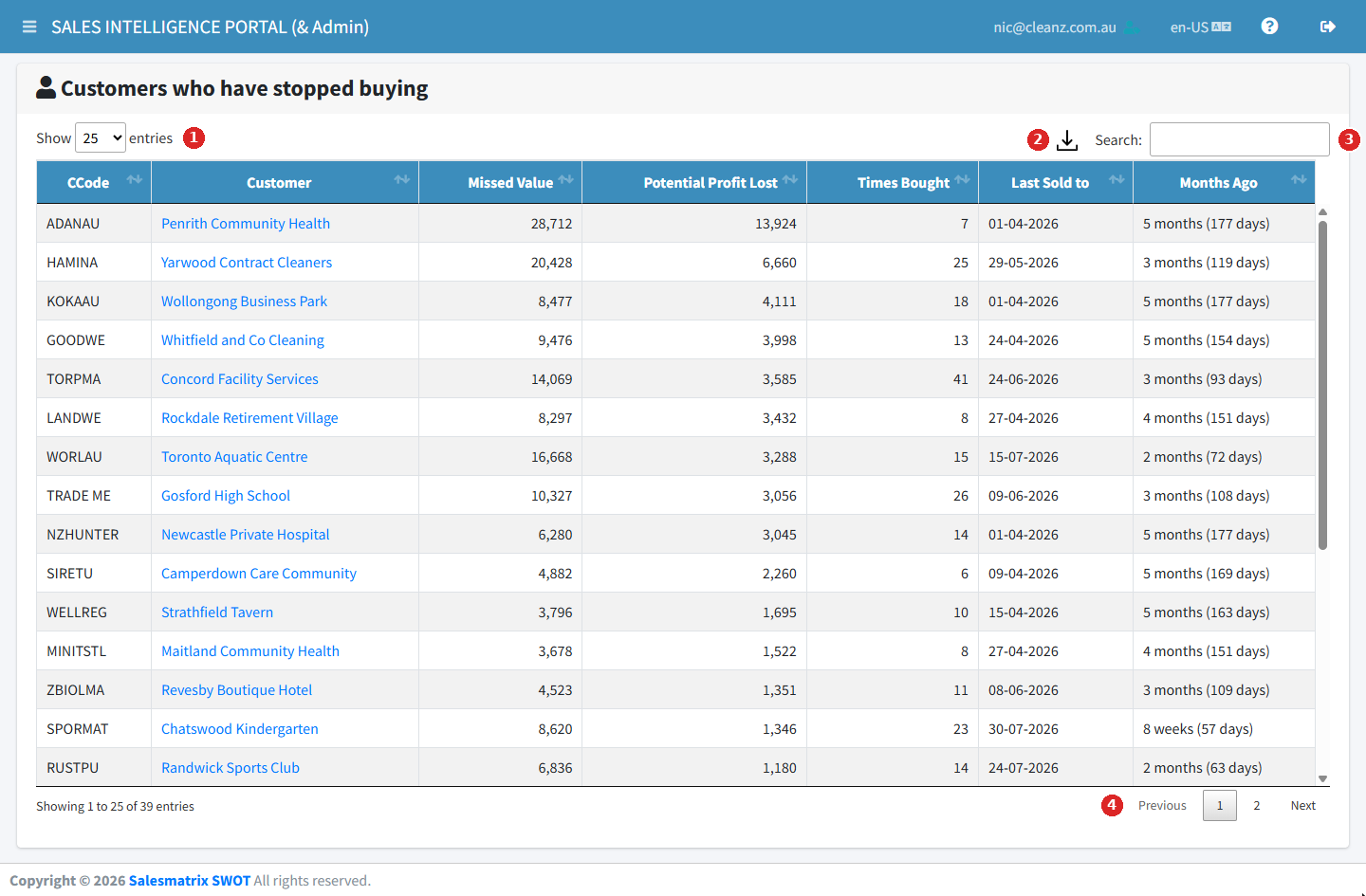
Every SWOT page is a table with the same tools:
- Search — the box at the top right filters every column as you type.
- Sort — click a column heading; click again to reverse.
- Show — how many rows per page; page through with the controls at the foot.
- Excel — export the list, as sorted and searched, to a spreadsheet.
For a single customer or product
These pages list the whole business. For one account before a call, add the Customer SWOT or Product SWOT widget to your dashboard instead — see the Dashboard walk-through.