


1. How SWOT is organised
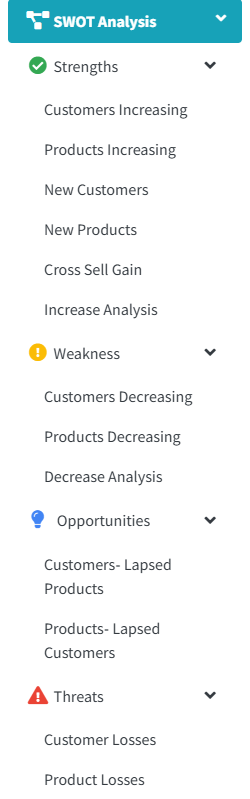
Open SWOT Analysis in the side menu. It holds four groups, each opening to its own lists:
| Group | Lists | The question |
|---|---|---|
| Strengths | Customers Increasing, Products Increasing, New Customers, New Products, Cross Sell Gain, Increase Analysis | What is growing, and why? |
| Weakness | Customers Decreasing, Products Decreasing, Decrease Analysis | What is fading, and why? |
| Opportunities | Customers- Lapsed Products, Products- Lapsed Customers | What should a customer be buying again? |
| Threats | Customer Losses, Product Losses | Who, or what, has stopped altogether? |
Where the thresholds come from
What counts as “stopped”, how long a gap is too long and how small a loss is too small to report are set once for the whole organisation, by an administrator, on the Variables page. See the Settings walk-through.